Some problems only
show up in motion.
A still photo cannot show a limp, a breathing pattern, or a tremor. Behavior video scanning reads a short clip from your phone and turns movement into measurements you can track week to week and hand to your vet.
How a clip becomes a reading
Guided framing on your iPhone - walking down a hallway, resting on the floor, or the moment you're worried about.
Frame-by-frame movement is turned into measurements on your device before anything is interpreted.
The reading lands on the health timeline and inside the vet-ready PDF, alongside your photo scans.
Four video modes
- MobilityStride asymmetry · weight shift
Measures how evenly your pet loads each side while walking, so you can show a vet a number instead of a guess.
- RespiratoryBreaths per minute · rhythm
Estimates resting breathing rate from chest movement and scores how regular the rhythm is across the clip.
- AnxietyPacing index · tremor intensity
Tracks repetitive movement and fine trembling that are easy to normalise when you see them every day.
- SeizureBurst pattern · longest episode
Times sustained bursts of motion in the clip so an episode you captured at home can be described precisely.
Video scanning reports measurements and patterns for you and your vet to interpret. It does not diagnose, and it is not a substitute for a veterinary exam. Suspected seizures or breathing difficulty are emergencies - call a vet immediately.
Example clips and outcomes
Illustrative framing and sample readings shown for guidance. Your readings are compared against your own pet's rolling baseline, not a population average.
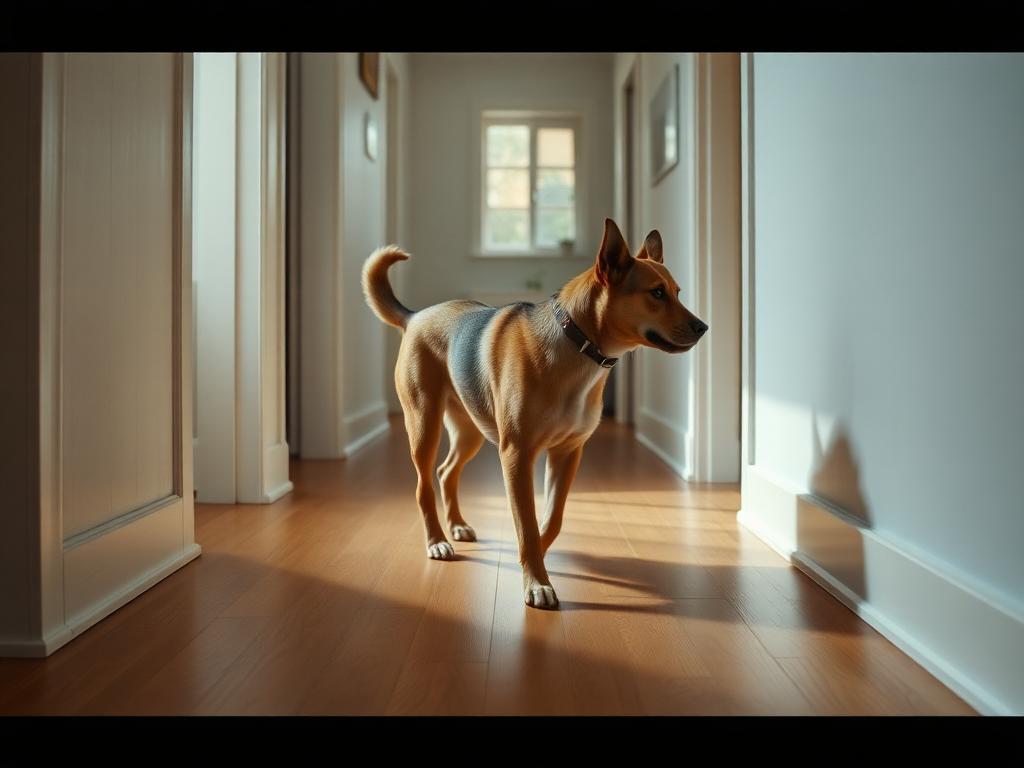 Mobility
Side-on, walking away down a hallway
15 sec · flat floor · full body in frame
Stride asymmetry 0.58Weight shift rightCadence 1.7 HzAsymmetry higher than this pet's own two-week baseline - flagged for a vet to look at the right hind leg.
 Respiratory
Resting or asleep, chest and ribs visible
20 sec · quiet room · no handling
34 breaths / minRhythm regularBaseline 26 / minResting rate above this pet's usual range - worth a same-week call, with the number ready to share.
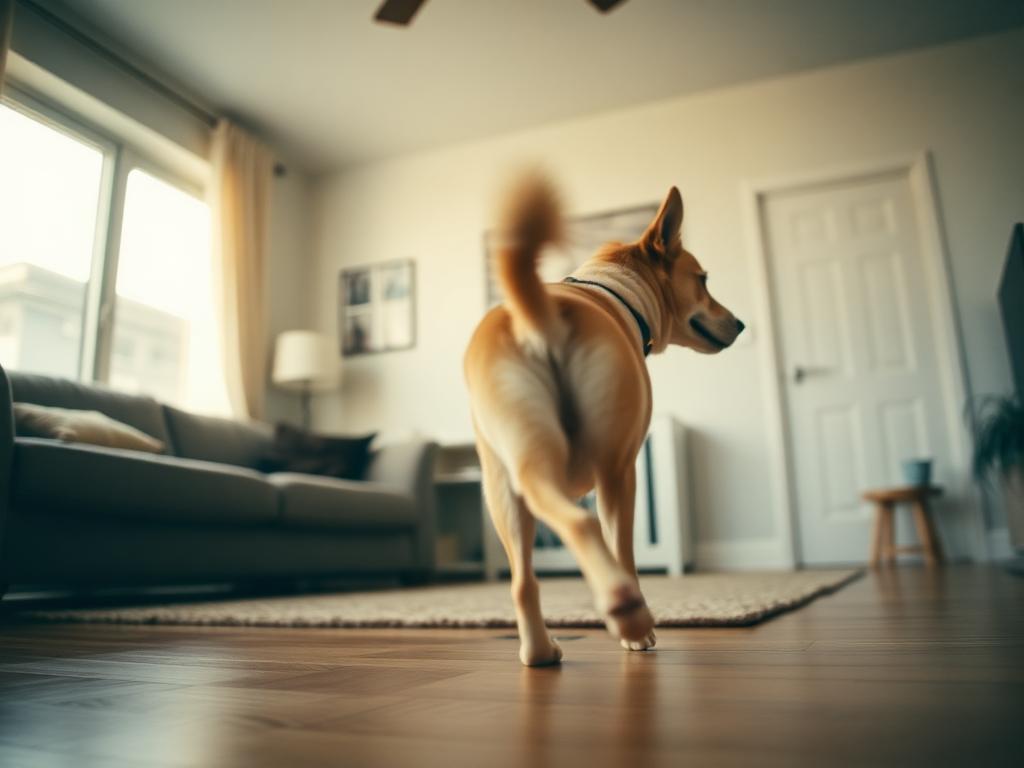 Anxiety
Whole room in frame, pet free to move
20 sec · phone propped, you out of shot
Pacing index 0.71Tremor low4 direction changesRepetitive pacing measured across the clip so you can compare before and after a routine change.
 Seizure / episode
Step back, keep the full body in shot
10-20 sec · start recording as it begins
Longest burst 12 sec3 burstsPost-episode stillnessA timed description of what you saw at home, attached to the timeline and the vet PDF instead of a memory.
Getting a clip the app can read
- Shoot in landscape with the whole pet in frame, phone braced or propped.
- Use even daylight or room light - avoid backlighting and hard shadows.
- Keep the background simple so movement is easy to separate from clutter.
- Hold still: pan slowly if you must move, and keep the same distance.
- Record 10-20 seconds. Longer clips are trimmed, shorter clips are rejected.
- Capture the behaviour you are worried about, not a highlight reel.
Common questions
- What is pet behavior video scanning?
- It reads a short video clip of your pet and turns movement into measurements such as stride asymmetry, resting breaths per minute, pacing index and burst length, so a change you noticed can be described with numbers instead of memory.
- Which plan includes video scanning?
- Behavior video scanning is included only on PetSense Plus at $29 a month. Photo scan modes are on every plan.
- How long should the clip be?
- Between 10 and 20 seconds. Longer clips are trimmed and clips shorter than 10 seconds are rejected before analysis.
- Does video scanning diagnose my pet?
- No. It reports measurements and patterns for you and your veterinarian to interpret. Suspected seizures or breathing difficulty are emergencies - call a vet immediately.
If your pet is in distress - collapse, laboured breathing, seizures, uncontrolled bleeding, suspected poisoning, bloat, or trauma - stop and contact an emergency veterinarian or a poison control line immediately. Do not wait for a scan result.
Scan your pet in about two minutes.
Point your phone camera, follow the framing guide, and get a plain-language summary plus a vet-ready PDF you can share. AI triage, not a diagnosis.
PetSenseAI does not diagnose, treat, or replace a veterinary exam. If your pet is in distress, call your veterinarian or the nearest emergency hospital now.
Scan today on the web. Get notified when we hit the App Store.
PetSenseAI runs fully in your phone browser right now, camera and all - guided photo scans and behavior video capture, with the same reports you can share with your vet. The native iPhone app is in review, and we will email you the moment it is downloadable.
- Photo and video scanning already run in your phone browser today
- Native build adds background analysis alerts and Apple sign-in
- One account - your pets, scans and reports carry over
Notify me on launch
By submitting, you agree we may store your email address to send one notification when the iPhone app is available. No marketing, no sharing or selling, no account created. We delete your entry within 30 days after that email, and you can ask us to remove it sooner at any time. US only, 16+. How we handle waitlist emails
Start scanning on the web